In Demand Gen the creative is the campaign: it competes in a feed against videos from friends, news and entertainment, not against other ads. A repurposed Display banner does not work there. This lesson is the guide to producing and reading creatives for discovery inventory.
The formats
| Format | Where it shows | Pieces |
|---|---|---|
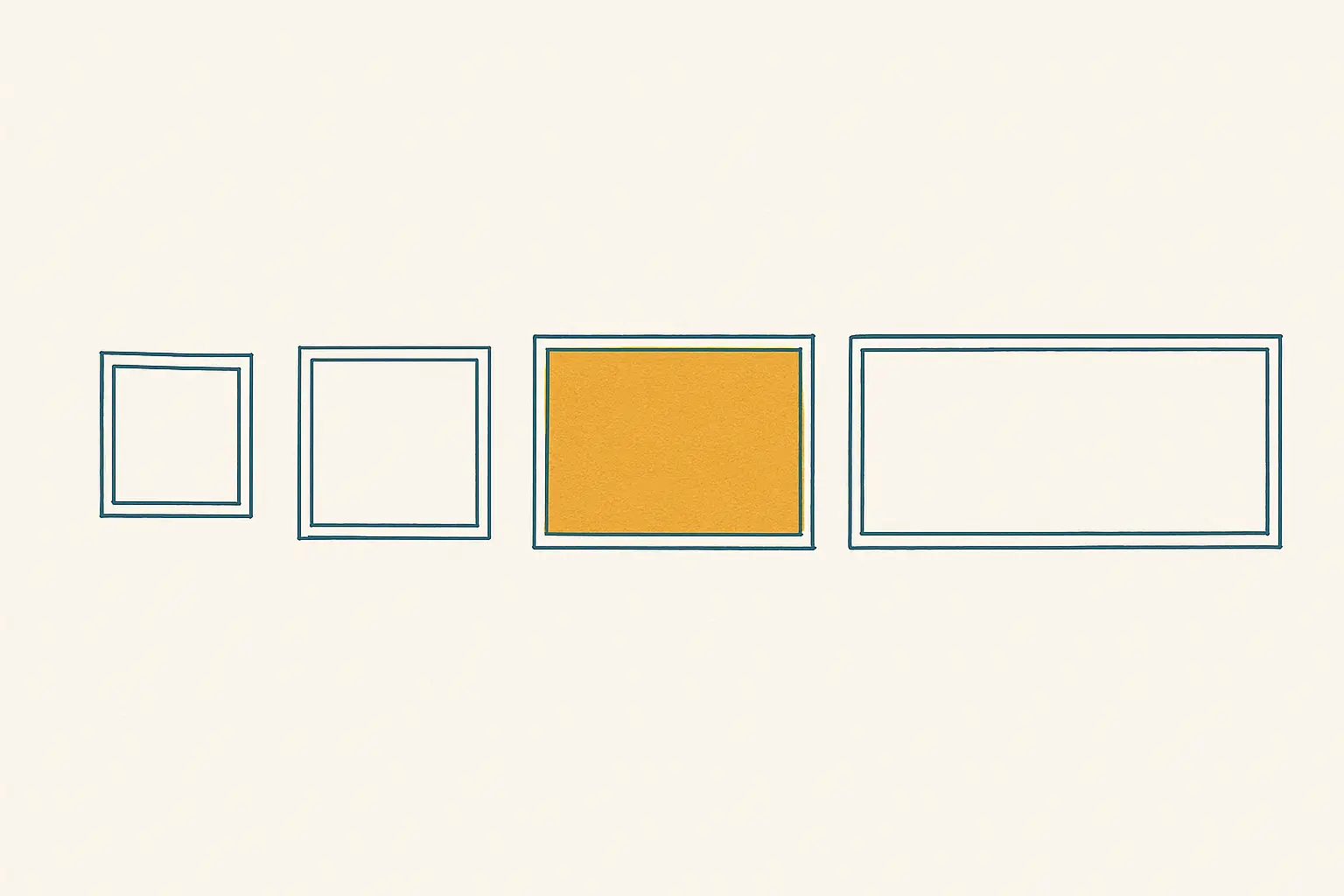
| Single image | Discover, Gmail, YouTube in-feed | Images in 1.91:1, 1:1 and 4:5 (portrait), logo, up to 5 headlines (40), 5 descriptions (90), business name, call to action |
| Carousel | Discover, Gmail, YouTube in-feed | 2-10 cards, each with its own image, headline and URL; ideal for catalogues and step-by-step stories |
| Video | In-stream, in-feed, Shorts | Videos in 16:9, 1:1 and 9:16 (portrait, compulsory for Shorts); headlines and descriptions |
| With a product feed | All of them | Product listings as cards (lesson 6) |
An ad group can carry several ads in different formats; Google shares them out by channel according to what it has available. Without portrait assets (4:5 and 9:16) you lose Shorts and a good part of Discover.
What works in a feed
- The first two seconds (video) or the first glance (image) decide it: a recognisable product or person straight away, no intro and no logo on a black screen.
- Native format: vertical video shot like content, not like a TV spot; images that look like the feed, not banners with claims on them.
- One idea per creative: one benefit, one product, one question.
- On-screen text in video (plenty of people watch with the sound off) and subtitles.
- People using the product beat the product on its own in almost every consumer sector; in B2B, a specific screen or result.
- A clear call to action on the card and in the video.
How many versions
Per ad group: 3-5 images from different angles (benefit, social proof, price, use) in all three aspect ratios, and 2-3 videos (a short 6-10 s one, a 15-30 s one) in landscape and portrait. Any fewer and fatigue arrives in two weeks; any more and the learning gets diluted. Keep a bank with the next batch ready.
Reading the creative report
By ad and by asset (image/video/headline): impressions, clicks, CTR, conversions, CPA, view rate (video) and performance (Low/Good/Best). How to read it:
- A creative with a high CTR and a bad CPA brings in browsers: wrong angle for that audience.
- Video with a high view rate and few conversions: good content, bad call to action or bad landing page.
- The "Best" creative in one group is not the best in another: each audience has its own angle.
- CTR falling week after week with stable impressions: fatigue (lesson 4), not a bad creative.
Refreshing without losing the learning
- Add the new creative to the group before removing the old one; leave 5-7 days of overlap.
- Withdraw the burnt-out one (or pause the ad) once the new one has data.
- Never rebuild the whole group: you lose the audience learning.
- Record it in the archive sheet (module 4 of the Intermediate level): creative, angle, audience, dates, result. The creatives that won in one audience are the hypothesis for the next.
Production mistakes
- Reusing the Display banner (big claim, white background): invisible in a feed.
- Video with 5 seconds of animated logo: skipped.
- Landscape only: out of Shorts and out of mobile.
- Baked-in text that Google crops in some aspect ratios.
- One single "good" creative for every group: fatigue and a generic message.
- Not checking the auto-generated videos: Google can build videos from your existing images and text and show them as another ad; if you don't want them, turn that option off in the campaign settings.
💡 Ninja trick: fatigue is the enemy of every feed creative, and the only defence is refreshing before the CTR falls. Demand Gen Optimizer marks each creative with its CTR trend against its peak and its frequency, and warns you with days to spare: time to pull the next one out of the bank. With no bank, the warning arrives and there is nothing to put up.
What you should remember
- Formats: image, carousel, video (and feed); without portrait there is no Shorts and no Discover.
- In a feed what wins is the first two seconds, native format, one idea, on-screen text and people.
- 3-5 images and 2-3 videos per group, different angles, a bank ready.
- Refresh by adding before removing; never rebuild the group; archive.